Flawless Wired & Wireless
USB accessory transport provides pristine wired streaming, while optimized Wi-Fi connectivity delivers equally fluid performance with automatic IP exchange on disconnect.
Linux host. Android display. Real input.
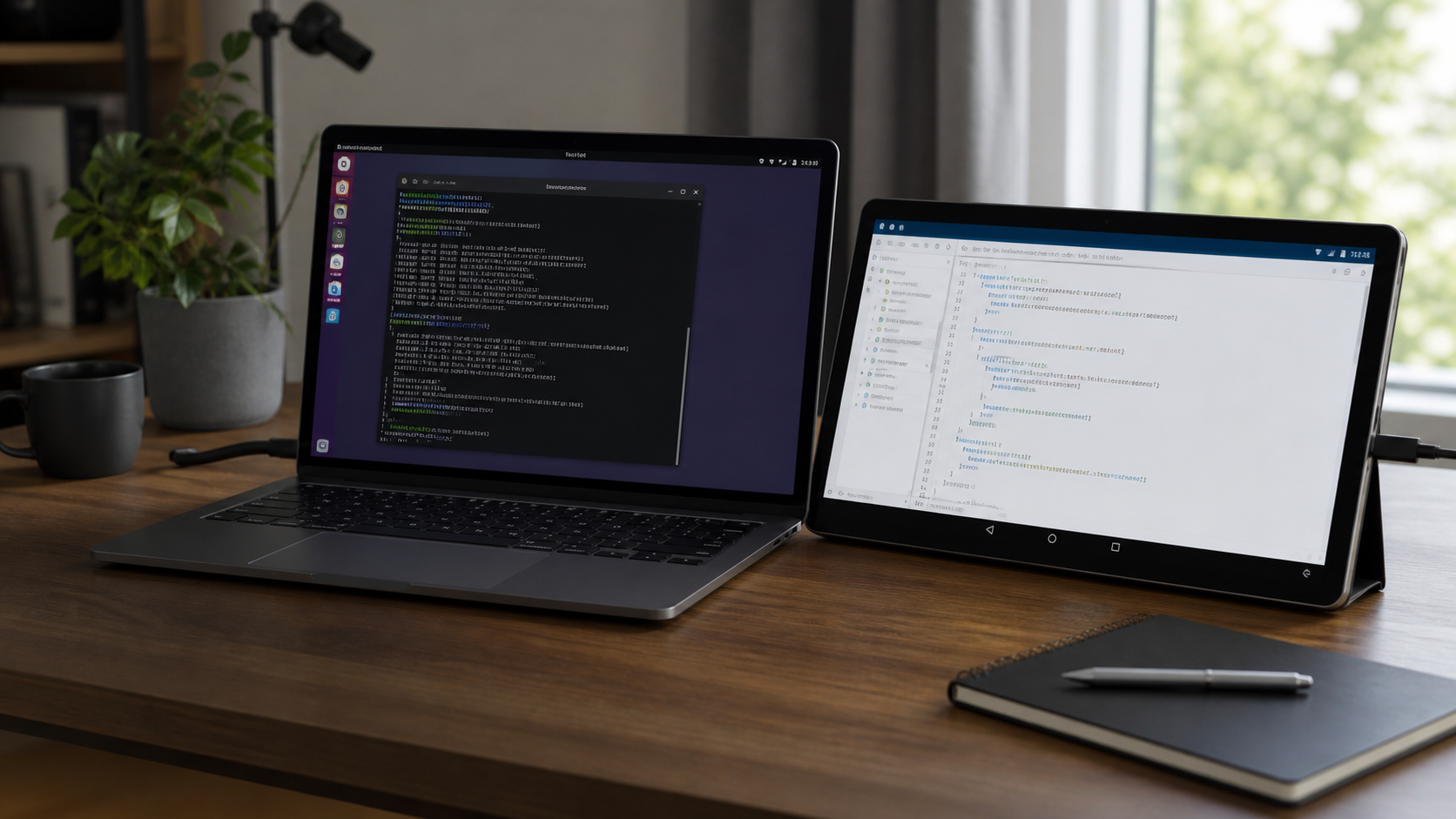
Use an Android device as a second Linux monitor with touch and stylus input support.
What it actually does
Engineered for instantaneous response. Moving windows, scrolling code, and interacting with UI feels just like a physical hardware monitor.
Crystal-clear retina clarity tailored to your tablet or phone screen, supporting crisp text and smooth video playback up to 4K resolution.
Full multi-touch gesture support and precision pressure-sensitive stylus input mapped directly back to your Linux desktop applications.
Fine-tune refresh rate up to 120Hz, resolution, scaling, and display mode effortlessly so your second display works exactly the way you want.
MoreSpace is built for state-of-the-art responsiveness. Whether connected via USB cable or streaming wirelessly over Wi-Fi, the daemon dynamically adapts and hot-swaps connections automatically. Unplug your cable and continue streaming without skipping a beat.
USB accessory transport provides pristine wired streaming, while optimized Wi-Fi connectivity delivers equally fluid performance with automatic IP exchange on disconnect.
Directly leverages your GPU's hardware video encoder for crisp high-bitrate streaming with virtually zero CPU usage on the host.
Tune refresh rates up to 120Hz, scale factors, bitrates, and codecs on the fly to match your exact desktop and tablet hardware.
Linux desktops do not expose outputs through one universal interface. MoreSpace detects the active session and uses the matching control path instead of treating GNOME, Plasma, wlroots, niri, and X11 as the same problem.
Uses Mutter display configuration paths and includes GNOME-specific input mapping for touch and tablet devices.
Uses KScreen tooling, staged reapply logic, geometry parsing, and Plasma containment sync where the desktop needs it.
Uses wlr-randr-style output control and compositor-specific virtual input mapping where those sessions expose it.
Handles niri runtime config and classic xrandr sessions, with mirror mode depending on what the active desktop exposes.
Download the Linux host AppImage and get the Android app to experience a truly seamless, high-performance second monitor anywhere you work.